Quran video maker
Make Quran videos with the ayat captioned, for free
Hasanah Studio turns any Quran recitation into a video for Instagram Reels, TikTok, YouTube Shorts, a WhatsApp status or YouTube. It finds the ayat in the recording, writes them on screen word by word as they are recited, with a translation under them, and saves an MP4. In your browser, with no account.
Or start from A prayer from Makkah A famous reciter
- Free, no account
- Ayat found for you
- MP4 for every app
How to make a Quran video in three steps
Add a recitation
Upload an audio or video file from your phone or computer: your own recitation, a lesson, a clip you filmed. Or start from a prayer at Masjid al-Haram, or a famous reciter, with nothing to upload.
The ayat are captioned for you
A speech model trained on Quran recitation listens and matches it against the whole Quran: each ayah, in order, and the moment every word begins. Check them on the timeline, and nudge, change or remove any.
Choose a look and save
Start from a preset or style it yourself: the Arabic face, a translation, colours, a background, how the words light up. Then save an MP4 in 9:16, 1:1 or 16:9, and post it.
Quran captions, word by word
The captions are the Quran's own text, never a transcription: the Uthmani script, or the Madinah Mushaf's own face, each word lit as it is recited.
- A translation under the Arabic in 28 languages, among them Saheeh International's English, Urdu, Indonesian, Turkish, French and Bengali, or a short tafsir in Arabic
- 15 Arabic typefaces, among them the Madinah Mushaf (Hafs), Amiri Quran, Kufi and Nastaʿlīq, with tajweed in colour
- 17 ayah-end marks, from the Madinah, IndoPak and 1405 mushafs to a plain number
- The ayat as subtitles too: SRT and VTT files for YouTube or another editor
Presets to start from
A whole look in one tap, then change anything you like, and keep your own looks to use again.
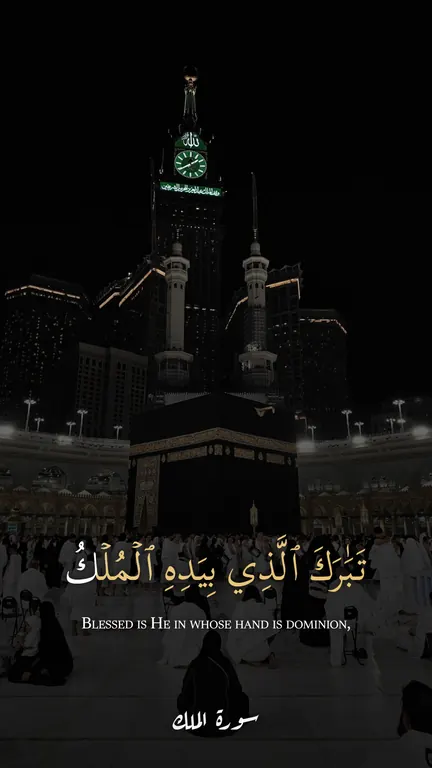 The Haram's own
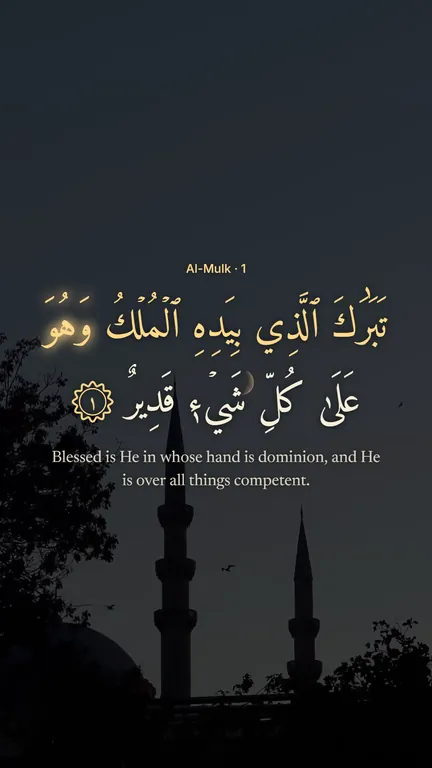 Starlit
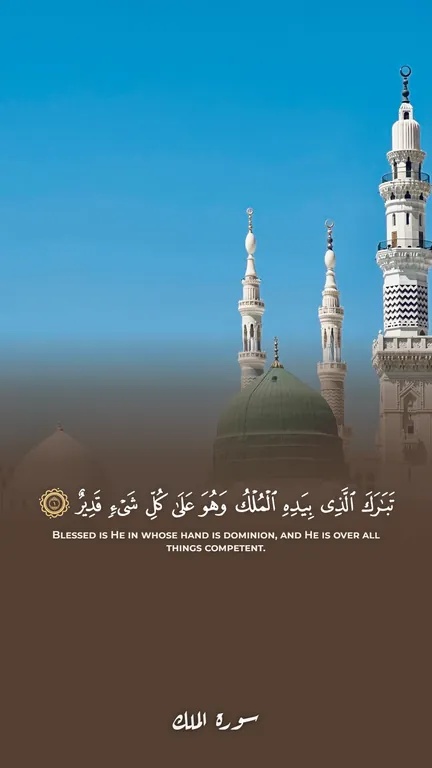 Madinah Mushaf
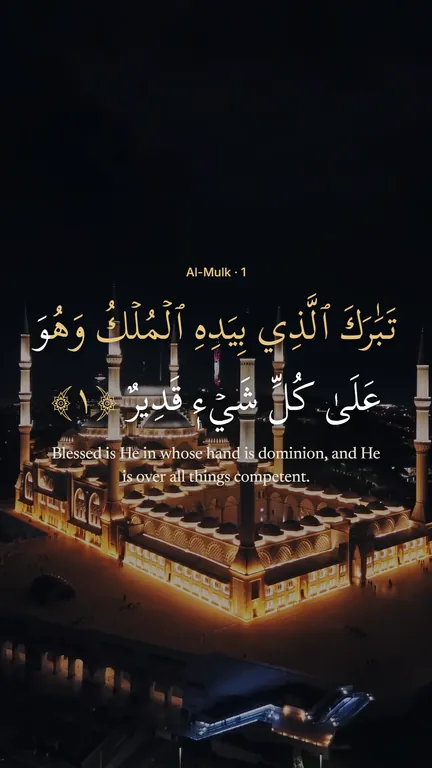 Classic gold
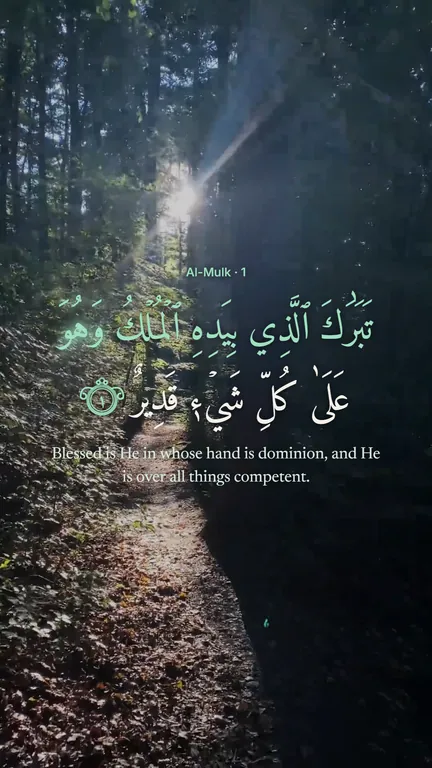 Emerald
36 backgrounds, or your own video
Filmed mosques and nature that loop without a seam, painted scenes and photographs: the Kaaba at night, the Prophet's Mosque, Çamlıca, light in a forest. One behind the whole recitation, or a different one for each part of it. 22 are free; 14 more come with Hasanah Plus.
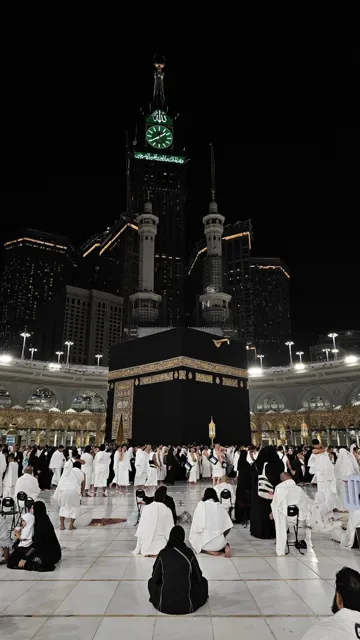 The Kaaba at night
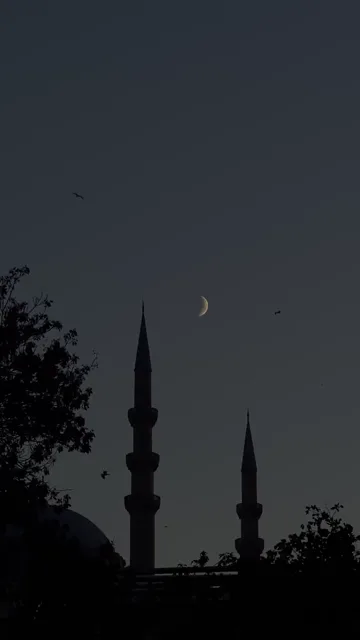 Moon over a mosque
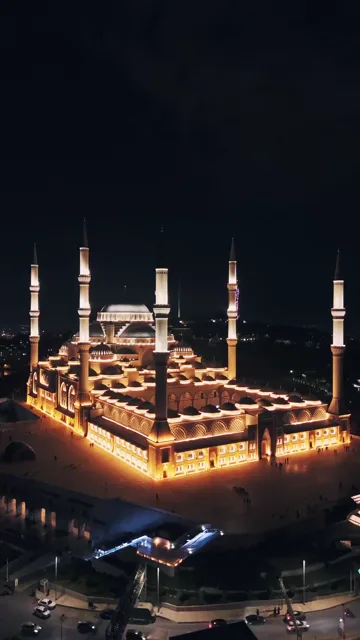 PlusÇamlıca at night
 The Prophet's Mosque
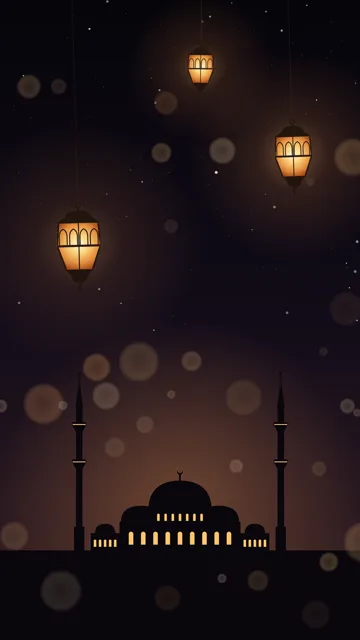 PlusLanterns
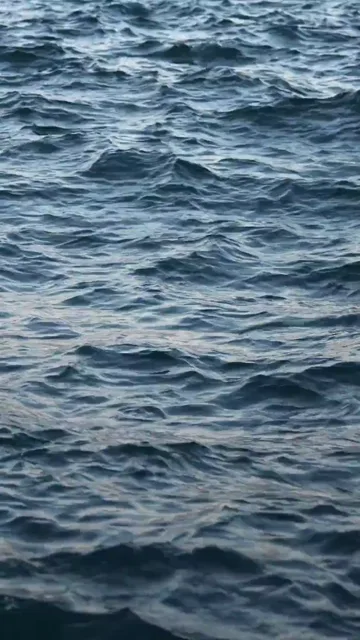 Open sea
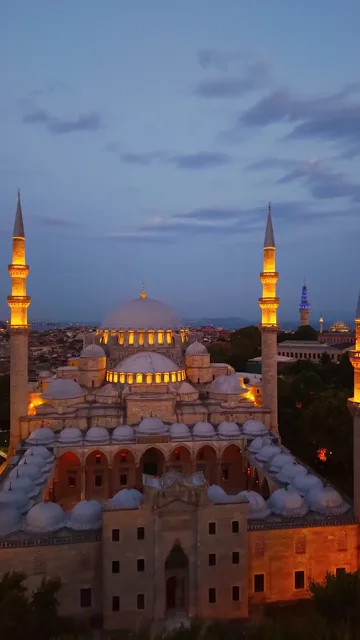 PlusSelimiye at dusk
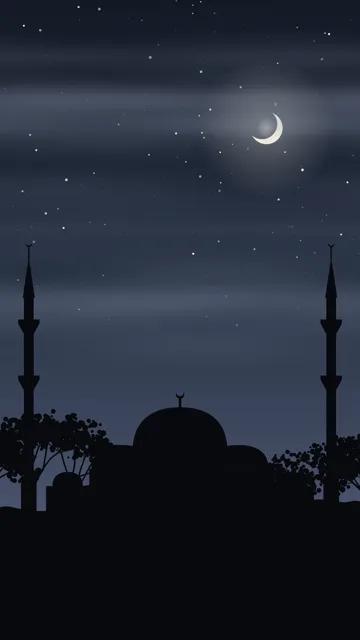 Mosque silhouette
 PlusPink clouds
 PlusClouds over a lake
Every size, for every app
- 9:16Reels, TikTok, Shorts and WhatsApp status
- 1:1Instagram and Facebook posts
- 16:9YouTube
- 720p, 1080p, 1440p or 4K, at 24, 30 or 60 frames a second
- Several recordings joined, trimmed, split and cut
- Text, pictures and videos laid over the recitation
- Saved as MP4 (H.264), which every app takes
Free, and made on your device
The video is made in your browser, frame by frame, usually faster than it plays. Your files are never uploaded: only the sound is listened to when you ask for the ayat to be found, and nothing is kept. No account, no sign-up.
Make a Quran videoQuestions
Is the Quran video maker free?
Yes. Everything a Quran video needs is free, with no account: the ayat found in recordings of up to 10 minutes (10 a day), 22 backgrounds, every size and format. Free videos carry a small hasanah.app credit. Hasanah Plus adds recordings of any length, 14 more backgrounds, its own looks, and your name in place of the credit, or none.
Can I make Quran videos on my phone?
Yes. The Studio works in Chrome, Safari and Edge on Android and iPhone as on a computer. Keep the page open until the video is saved.
Do I have to type the ayat?
No. They are found in the recording and timed word by word. If one is wrong, change it under Sync ayat, or nudge its start and end.
Which recordings work?
Any clear Quran recitation: your own, a teacher's, a clip of a prayer. Audio files (MP3, M4A, WAV and the like) and videos (MP4, MOV) both work, and several can be joined into one.
Can I add a translation?
Yes, in 28 languages, or a short tafsir in Arabic, shown under the ayat and timed with them.
How do I post it on Instagram, TikTok or YouTube?
Save the MP4, which every app takes, and upload it as a Reel, a TikTok, a Short or a status. On a phone, Share sends it straight to the app.
Can I get the captions as a subtitle file?
Yes. In the Export tab, Save SRT or Save VTT gives the ayat and their translation, timed to the recitation.